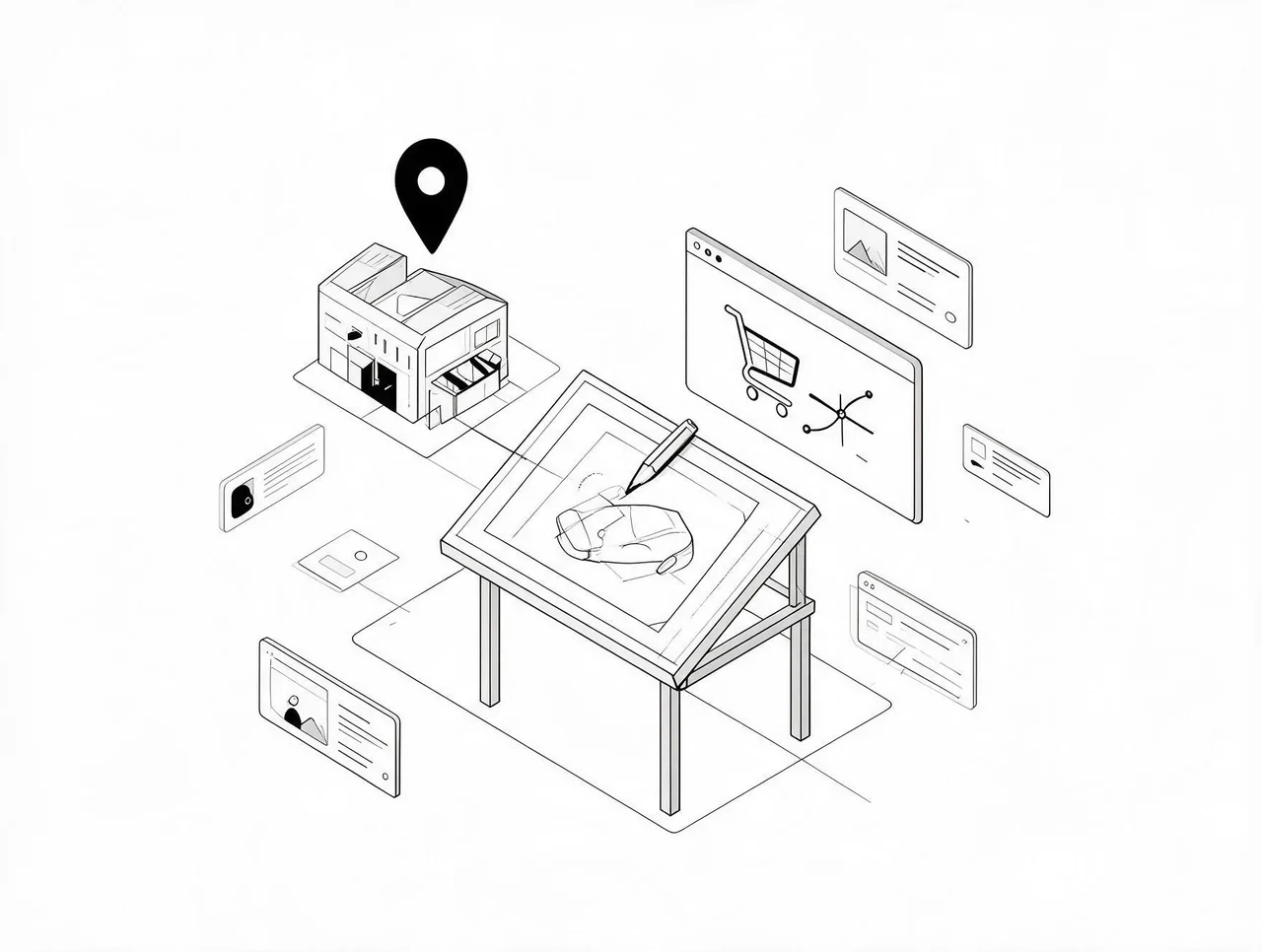
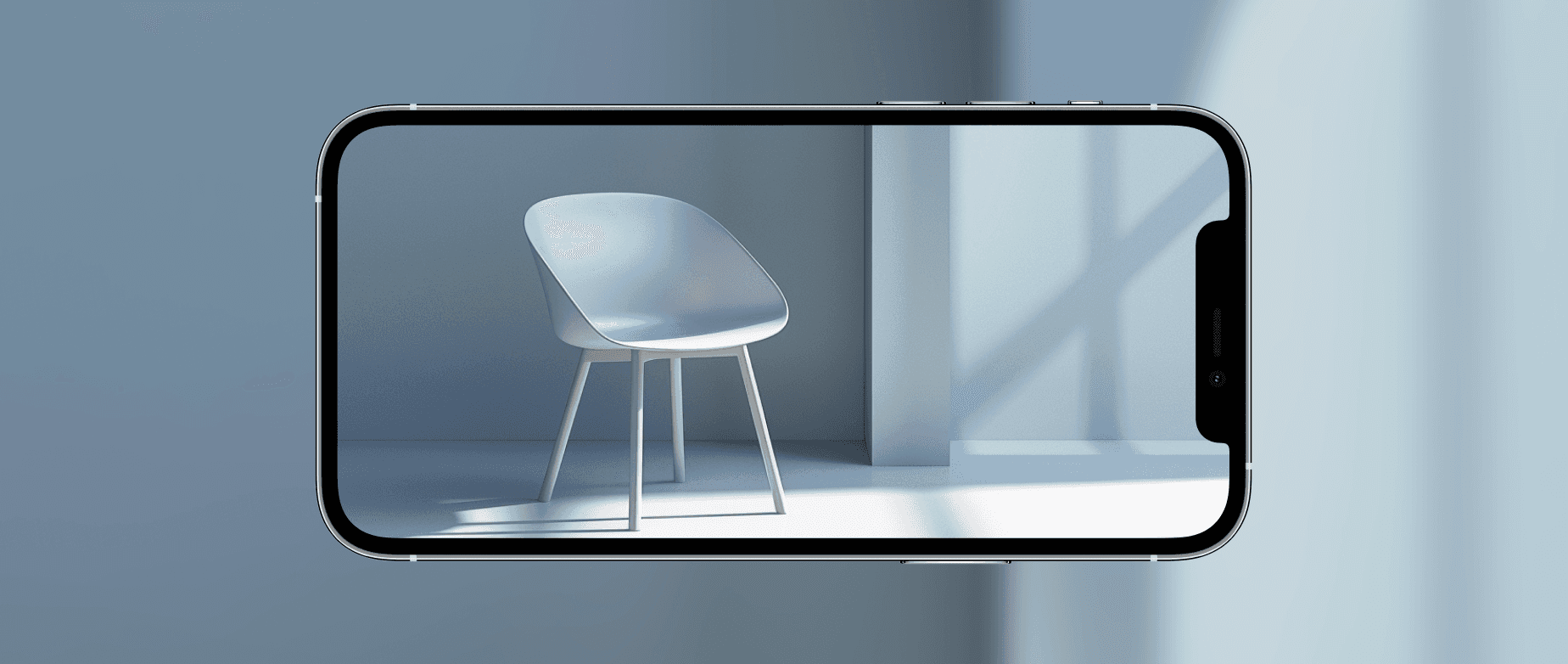
As of mid-2026, five practical AR SDKs exist for ecommerce applications. This matters because AR implementation is no longer a technical feasibility question. It's a strategic fit question. If your Shopify store sells furniture, eyewear, cosmetics, or apparel and you're doing $10K–$100K monthly, you can now add virtual try-on or product visualization without custom development. The real question is whether your conversion problem is one AR actually solves.
AR Fixes One Specific Conversion Barrier
AR addresses pre-purchase uncertainty about fit, scale, or appearance. When a customer can't answer "will this couch fit in my living room" or "does this lipstick shade work with my skin tone," they abandon or buy and return. Virtual try-on collapses that uncertainty before checkout. A customer sees the product in their space or on their body, which removes the primary objection.
This only works when visualization is the barrier. If your product lacks a spatial or appearance component, AR won't move conversion. Supplements don't benefit. Consumables don't benefit. Digital goods don't benefit. The mechanic requires that seeing the product contextualized directly increases purchase confidence.
If customers spend time on your product pages but don't add to cart, visualization uncertainty is likely the problem. If they bounce quickly or never engage with product images, your issue is traffic quality or value proposition. AR amplifies existing interest. It doesn't create it.
SDK Availability Changes the Implementation Equation
Five available SDKs means you're choosing between existing tools, not building from scratch. Each SDK specializes. Some optimize for face tracking. Others prioritize spatial mapping. Others focus on body measurement. A furniture brand needs spatial anchoring and scale accuracy. A sunglasses brand needs facial landmark detection. Choosing the wrong SDK means implementing a feature that doesn't reduce purchase hesitation.
The bottleneck shifts from "can we build this" to "which SDK matches our use case." This requires understanding your specific conversion barrier. If customers abandon because they can't judge size, you need spatial accuracy. If they abandon because they can't judge color match, you need lighting-accurate rendering. Mismatched capability wastes implementation effort.
At $10K monthly revenue, you might see 500–1,000 sessions. A 20% conversion lift needs statistical confidence to separate signal from noise. If you're at the lower end of that range, your conversion problem might be better solved by fixing messaging or checkout friction. Those changes test faster and measure sooner. AR makes more sense when you've optimized the fundamentals and need a differentiated experience to push conversion higher.
AR as a Positioning Signal
Offering virtual try-on communicates product confidence. This matters for DTC brands competing on experience. In paid ads, AR capability becomes a differentiator. You can call out "try it in your space" in ad copy, which addresses the visualization objection before a customer clicks. This improves ad relevance and can lower cost per click by attracting higher-intent traffic.
The tradeoff: AR adds complexity. Load times increase. Mobile performance can suffer. You introduce a new user flow that some customers won't understand. If your site already has UX issues, adding AR compounds the problem. A slow site with confusing navigation doesn't improve by adding a 3D feature.
If your conversion problem stems from weak product-market fit or unclear value proposition, AR won't fix it. A customer who doesn't understand why they need your product won't be convinced by seeing it in 3D. Similarly, if your paid ads drive cold traffic with no intent, AR just gives unqualified visitors a feature they don't use. You need baseline engagement before AR can impact conversion. Add-to-cart rate above 5% and time on page above 60 seconds are minimum thresholds.
Implementation Path and Cost Structure
Start by identifying which product categories have the highest browse-to-cart drop-off. Those are your AR candidates. Choose an SDK that matches your product type. For furniture, prioritize spatial accuracy. For cosmetics, prioritize face tracking. For apparel, prioritize body measurement.
Implement AR on your highest-traffic product pages first. Measure engagement rate, add-to-cart rate for users who engage with AR versus those who don't, and return rate post-purchase. If AR users convert higher but also return more, the feature isn't solving the right problem. It's creating false confidence.
Most AR SDKs offer free tiers or usage-based pricing. The real cost is developer time for integration, 3D asset creation, and ongoing maintenance. Expect $5K–$15K for initial implementation if you're outsourcing development, plus asset creation costs that scale with catalog size. This makes AR a better fit for stores with 10–50 hero products rather than broad catalogs. Creating quality 3D models for hundreds of SKUs isn't practical at $10K–$100K monthly revenue.
Expect a 2–4 week implementation timeline depending on dev resources. Budget for ongoing optimization. AR features need tuning for lighting conditions, device compatibility, and user flow clarity.
Frequently Asked Questions
Do I need 3D models of all my products to use AR?
Yes. You can't visualize a product in space or on a face without a 3D model. Some SDKs offer tools to generate models from photos, but quality varies. For best results, budget for professional 3D modeling, especially for hero products where AR will drive the most impact.
Will AR features slow down my Shopify store?
AR adds load time, especially on mobile. The SDK itself, 3D assets, and rendering all increase page weight. Optimize by lazy-loading AR features. Only load the SDK when a user clicks "try it on" rather than on initial page load. Test mobile performance rigorously, since most DTC traffic skews mobile.
How do I know if AR is actually improving conversion or just adding novelty?
Segment your analytics to compare users who engage with AR versus those who don't. Track add-to-cart rate, conversion rate, and return rate for both groups. If AR users convert higher and return at the same or lower rate, the feature is solving real purchase hesitation. If they convert higher but return more, AR is creating false confidence.
Can I use AR in my paid ad creative?
Most ad platforms don't support interactive AR directly in ads, but you can showcase AR functionality in video creative or use AR as a landing page feature called out in ad copy. The positioning benefit works in ad messaging even if the AR experience happens on-site.
Which product categories see the biggest conversion lift from AR?
Categories where visualization directly impacts purchase confidence: furniture, home decor, eyewear, cosmetics, and apparel. Products where size, fit, color match, or spatial context matter most benefit from AR. Consumables, supplements, and digital products see minimal impact because visualization isn't the primary purchase barrier.