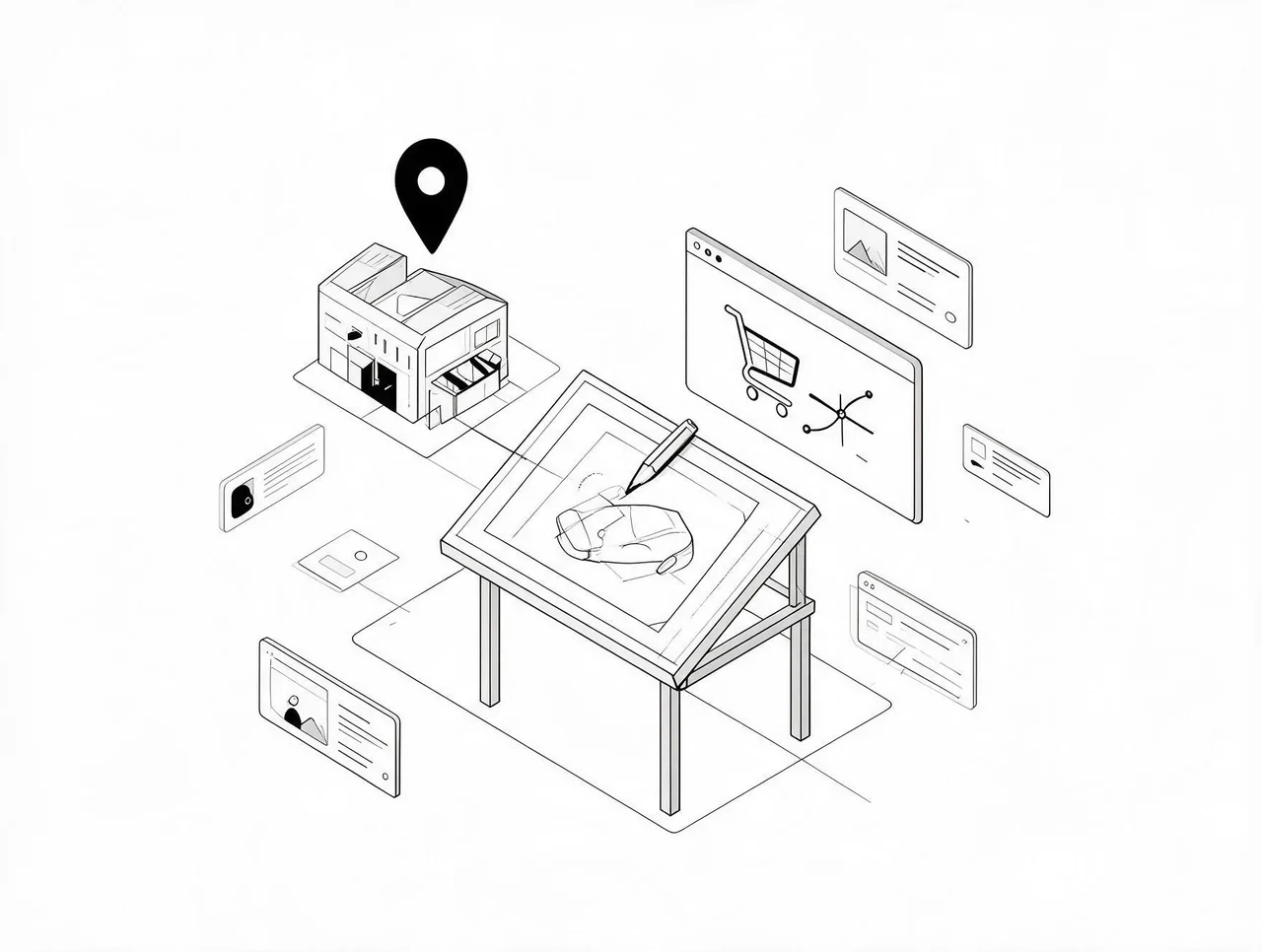

The Store Migration Shopify App is free and imports products and customers. For a DTC founder, that sounds complete. It's not. The app moves database records, product titles, SKUs, customer emails, but conversion rate has nothing to do with whether your catalog exists in the new system. It's determined by page layout, checkout flow, mobile experience, and load speed. None of those transfer because they aren't data fields. They're design decisions you have to rebuild manually.
What Transfers and What Doesn't
Product imports give you inventory in Shopify. They don't give you a store that sells. Your old platform had a product page layout, a navigation structure, image optimization settings, and a checkout sequence. Those were configuration choices, not database entries. When you migrate, you get the text and the price. You lose the architecture that turned visits into orders.
This is why brands see conversion drops weeks after launch. Traffic holds steady because URLs redirect properly. But the default Shopify theme wasn't built for your customer. If you sold supplements with a custom subscription selector on the product page, it's gone. If you had a size guide that cut returns by 30%, it's gone. If your checkout included trust badges that addressed your audience's main objection, it's gone. You're running on generic templates designed for flexibility across thousands of business models, not for your specific conversion path.
The SEO Claim Is Technically True and Practically Misleading
You can migrate without losing rankings if you set up 301 redirects and preserve URL structures. That part is accurate. What resets: page speed, mobile usability signals, Core Web Vitals, internal linking, structured data. Google doesn't rank you based on whether your product descriptions stayed the same. It ranks you based on whether your new site loads in two seconds or six.
For a brand doing $10K-$100K monthly, a ranking drop on your top ten product pages means 20-40% less traffic. The free tool doesn't prevent this because it only moves text and images, not technical performance.
Why Founders Underestimate the Second Phase
The migration feels easy. Your catalog goes live in days. You assume the hard part is over. It isn't. The hard part is auditing your old store to identify which elements actually drove purchases, then rebuilding those elements in Shopify. Most founders skip this because the free tool made the first step so cheap that they didn't budget for the second.
The real work is recreating your conversion architecture: product pages that match how your customers decide, navigation based on actual browse behavior, checkout flows that reduce abandonment, mobile layouts that don't require zooming. None of this is handled by a migration app because none of it is data. The app gives you a starting point. What happens after that determines whether your Shopify store performs better or worse than what you left.
If you're planning a move, budget for two phases. Data transfer is free. Conversion rebuild is where your results get decided. Treat the migration tool as a way to move your catalog, then plan the rest accordingly.